Rivolo
Why I built
my ideal
notes app
Maybe you
should do
it too
diegobit
07 Mar 2026
Why I built my ideal notes app. Maybe you should do it too.
Are you having fun with coding agents? I was curious to try building a full app with them (>=gpt-5.2-codex), so I wanted to take the test and I was waiting for the right moment. Finally I found it! Here's some of my thoughts on the process; what the app is about, and a reminder that building your ideal app might be easier than you think.
What I needed
I was never satisfied with note taking apps, especially for work. I'm juggling many projects at once, I have lots of small things to remember, and creating a new note for every little thing is too painful. Also, having many notes makes me want to clean them up, organizing them, or delete them. I need something that I can open and start writing in, confident that I'll be able to find what I need in the future.
That's why my previous setup was an infinite note I was editing with Vim, split by day: each day I added a new day-section and wrote thoughts and other things there. For example:
Jan 28, 2026
------------
- [X] @mark remind to launch the cron job #projectX
- fred met client Y during coffee break and said is interested #followup

Jan 27, 2026
------------
### Notes Call with Z
- present: Mario Rossi and Mark Green
- they need this and that
- [ ] send company brochure
Problem: how to search effectively through this mess?
Introducing Rivolo!
The app
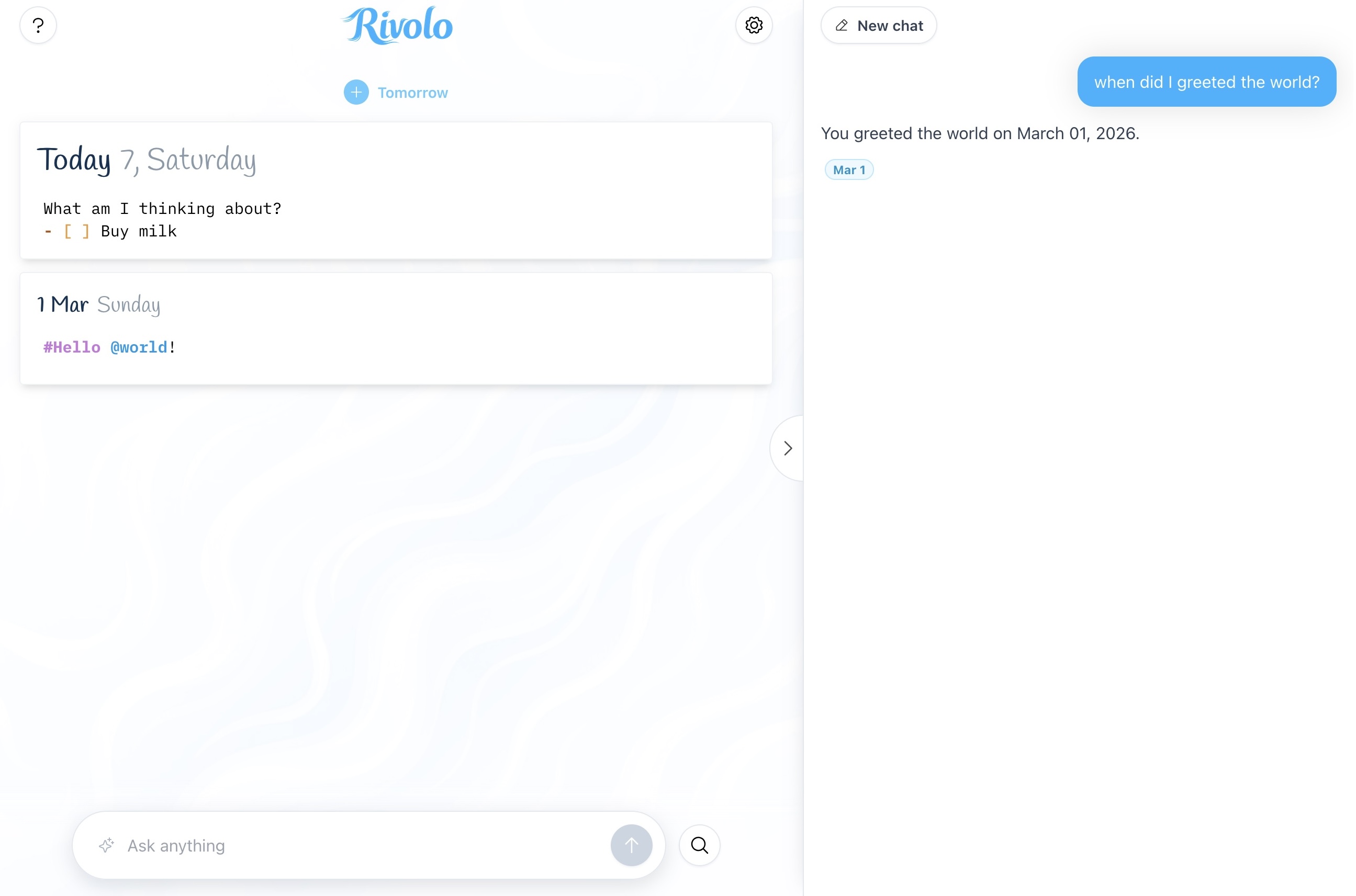
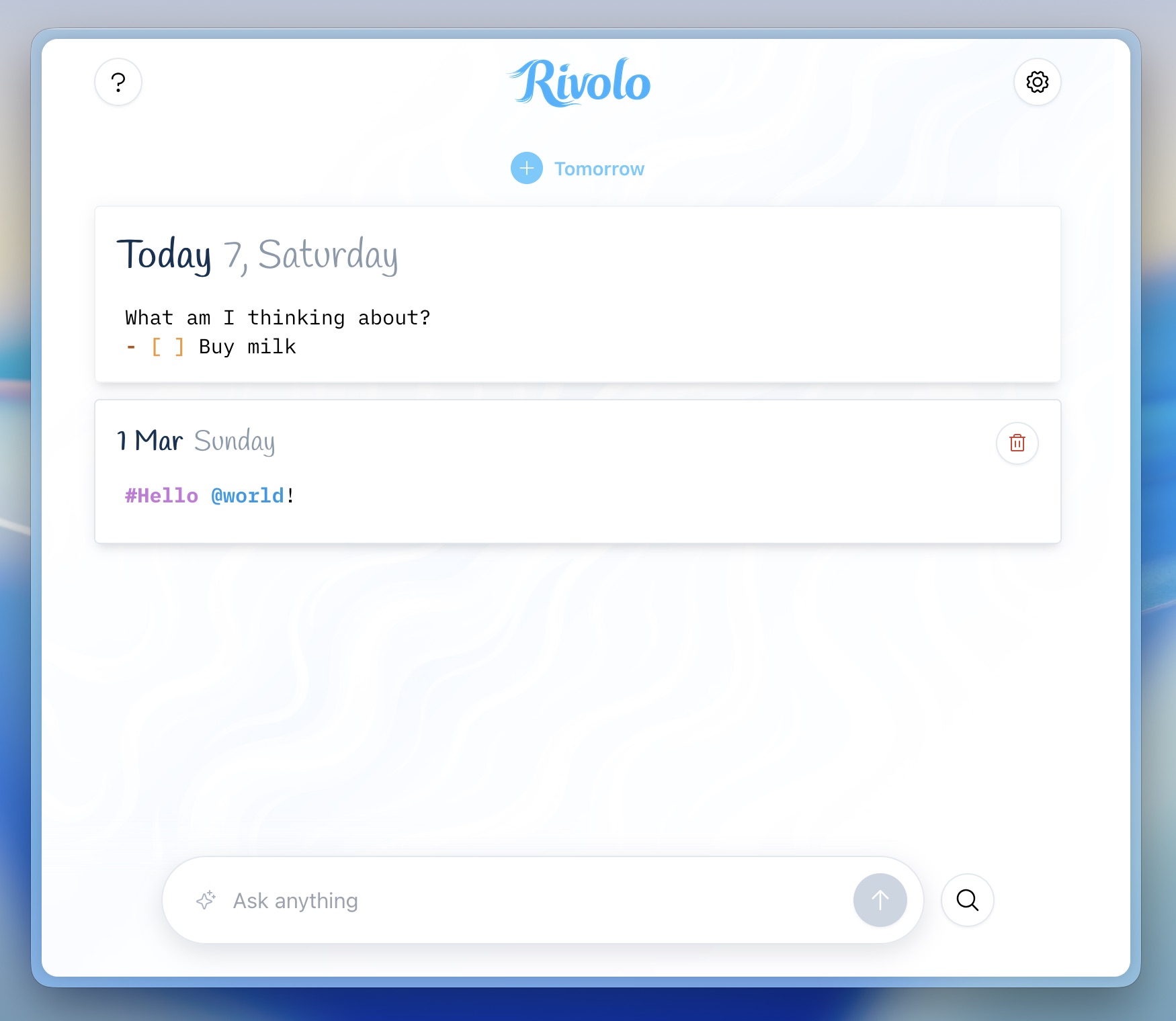
Rivolo (pronounced REE-voh-loh in Italian) is simple: it's a timeline of your thoughts, grouped by day. Each day is editable, as if you were looking at an infinite file. At the bottom you have two ways to find things:
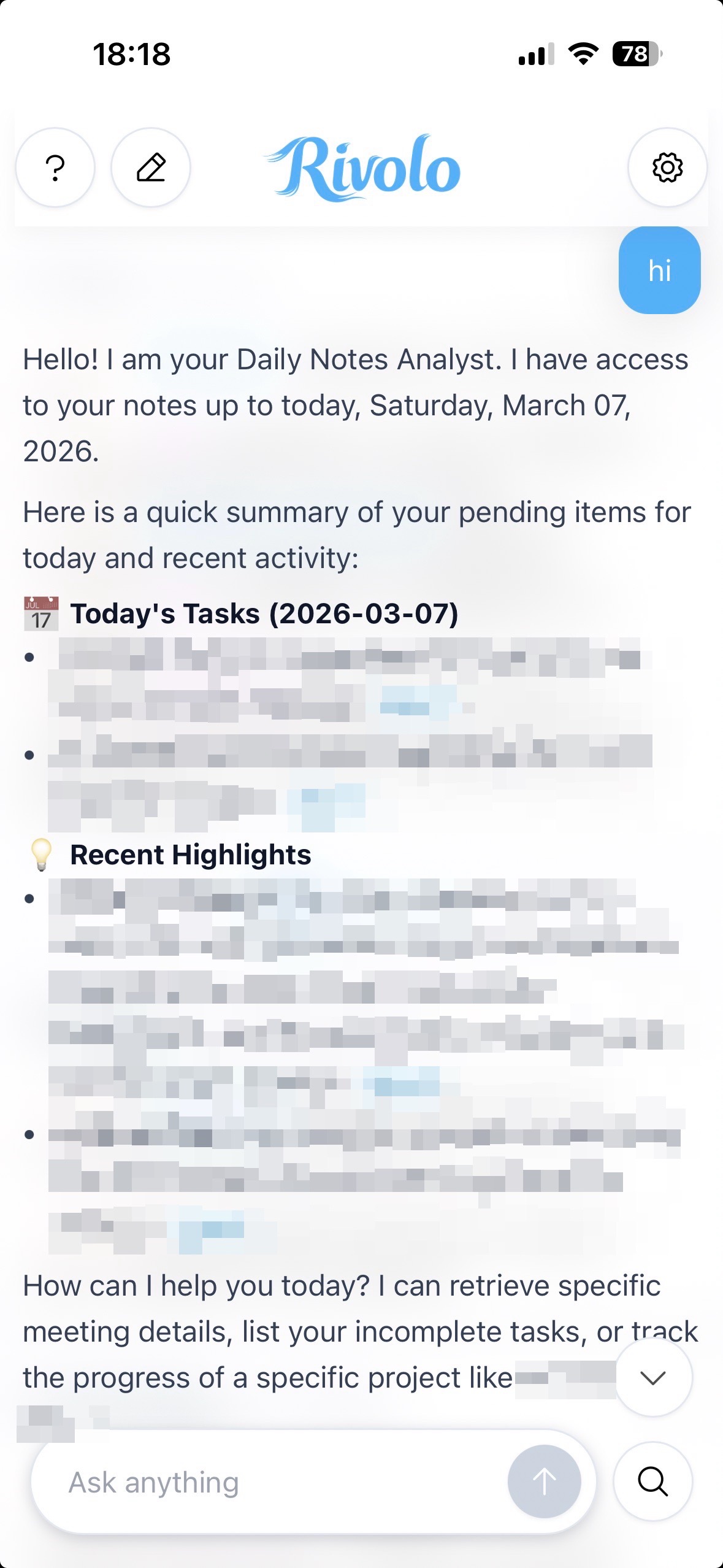
- an LLM input that allows you to surface information buried in your notes, like "How many open todos i have about #projectX or @personY?", "what's the name of that guy I talked about around three months ago in which...". The LLM can also provide links to the relevant day, or insert new text in the current day.
- a regular search with filters. Sometimes you just know what to search for.
Right now you bring your own Gemini API key, in the future I'll support more providers.
The app is a PWA, you can add it to your home screen on your phone. This was important to me to be able to check my work notes on the go. You can also link your Dropbox account to enable syncing.
I wanted syncing, but also wanted the underlying file to stay plaintext, so it could still be edited with a text editor and never needed exporting. I ended up using this format:
<!-- day:2026-01-28 -->
Jan 28, 2026
------------
- [X] @mark remind to launch the cron job #projectX
- fred met client Y during coffee break and said is interested #followup

<!-- day:2026-01-27 -->
Jan 27, 2026
------------
### Notes Call with Z
- present: Mario Rossi and Mark Green
- they need this and that
- [ ] send company brochure
Basically, the only difference from the snippet above is the additon of comments that make it easy to separate days. Internally the app keeps a SQLite for special operations, and Dropbox allows for editing the file without re-uploading the entire file on every edit.
A few implementation details are worth mentioning. The app is a static web app with no backend. To allow Streaming responses easily, the LLM doesn't output JSON, but regular text, with <ref .../> and <insert .../> tags, which are parsed while streaming, and then turned into clickable elements. One limitation is that I'm still giving everything to the LLM as context... I will either need to make the LLM agentically search notes in some way, or implement some RAG, or hope for LLM context to keep growing and prices to go down quicker! Let's see!
I could have added more invisible tags other than <!-- day:YYYY-MM-DD --> to make life easier for the LLM. For now, I chose not to, in order to keep the underlying file simpler. Not the cleanest solution, I admit.
If you try it, I'd love to hear what you think: let me know :)
My experience with Codex and other generative tools
The experiment was to build the project entirely with the help of generative tools: overall direction, product decisions, design, UX, graphics, code. Everything except fonts and glyphs.
Beginning
Before asking codex for the first implementation, I started with a ChatGPT chat to brainstorm app ideas, intuitions, general feelings about the app, and its name. Both a wide context and no context at all can be useful: one is like being deep in the problem, the other is asking for a friend's fresh eyes. That's why I also used another model (in this case Gemini 3 Pro) to get a second opinion: "what do you think of an app like this, with this assumptions and features?", "what do you think of this name?"
Then I started working on a technical spec for the first features I wanted to try. Only then did I hand the spec to codex to start building. I made three different implementation with three slightly different prompts. I recommend doing different versions of the same thing when working on hard problems, or when you know you might have forgot to specify core assumptions: the model has to do the implementation, so it will make its own assumptions you missed. That's why it might also make sense to iterate a bit, then start from scratch with a better spec. I also like to give one model the other's feedback and seeing how each responds.
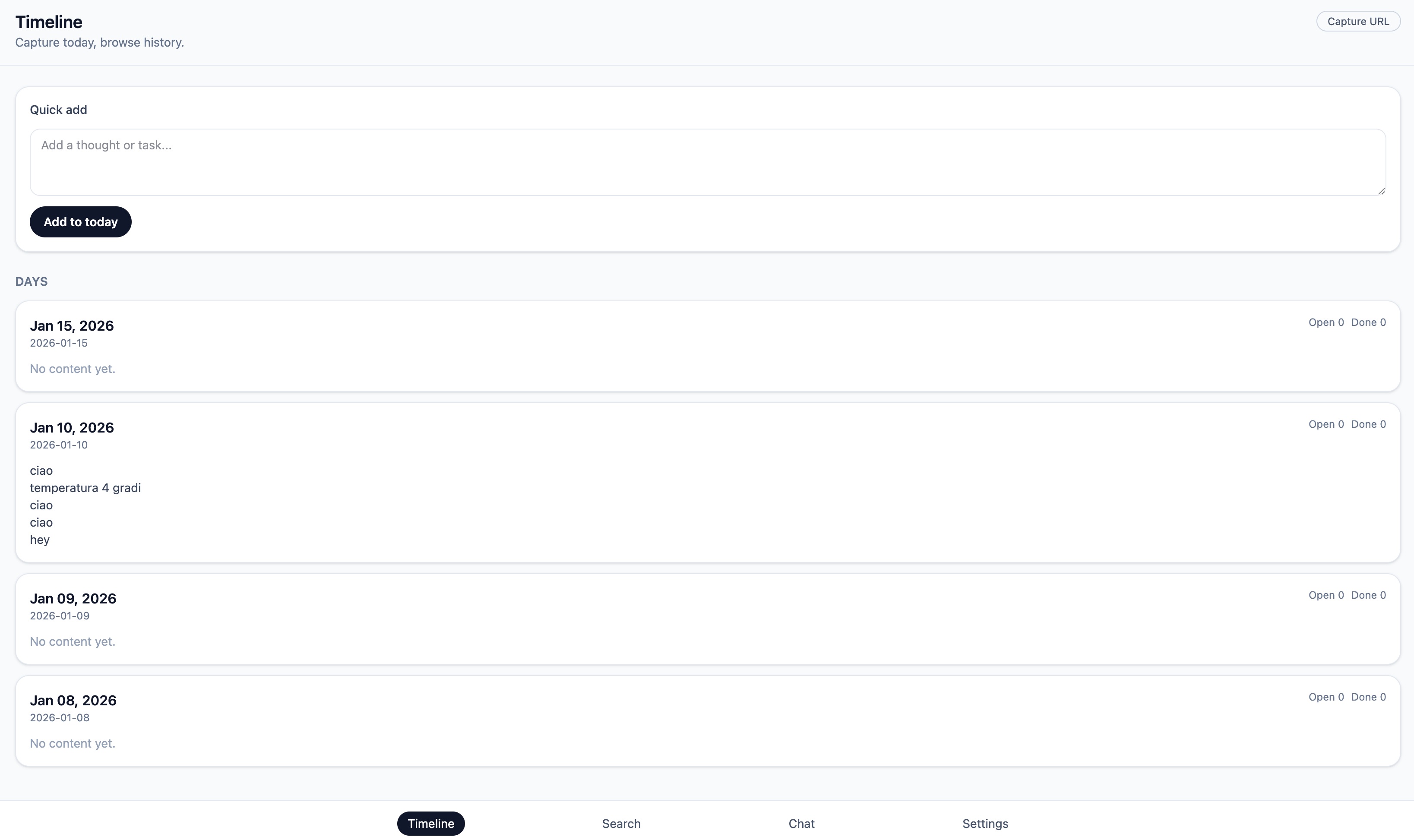
After a single pass, I chose one implementation and I already had timeline, search, AI (prompts and structured output), a settings page with api key and a few other details in place:
After that I iterated in small or bigger steps, finished all my codex credits for the day and reached this state:
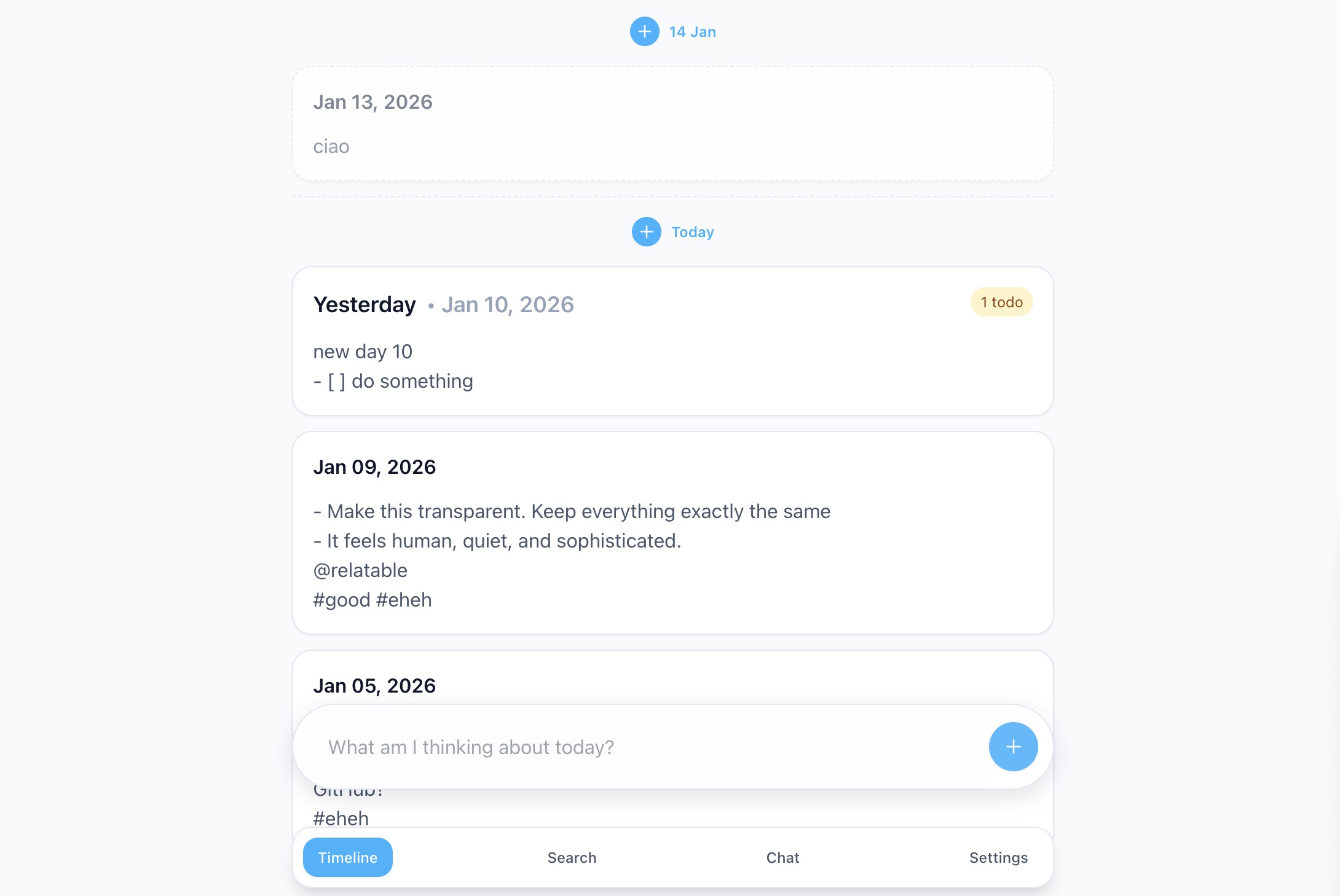
App progress
The next weekend I worked on syncing and got to something close to what we have today, with an unified view:
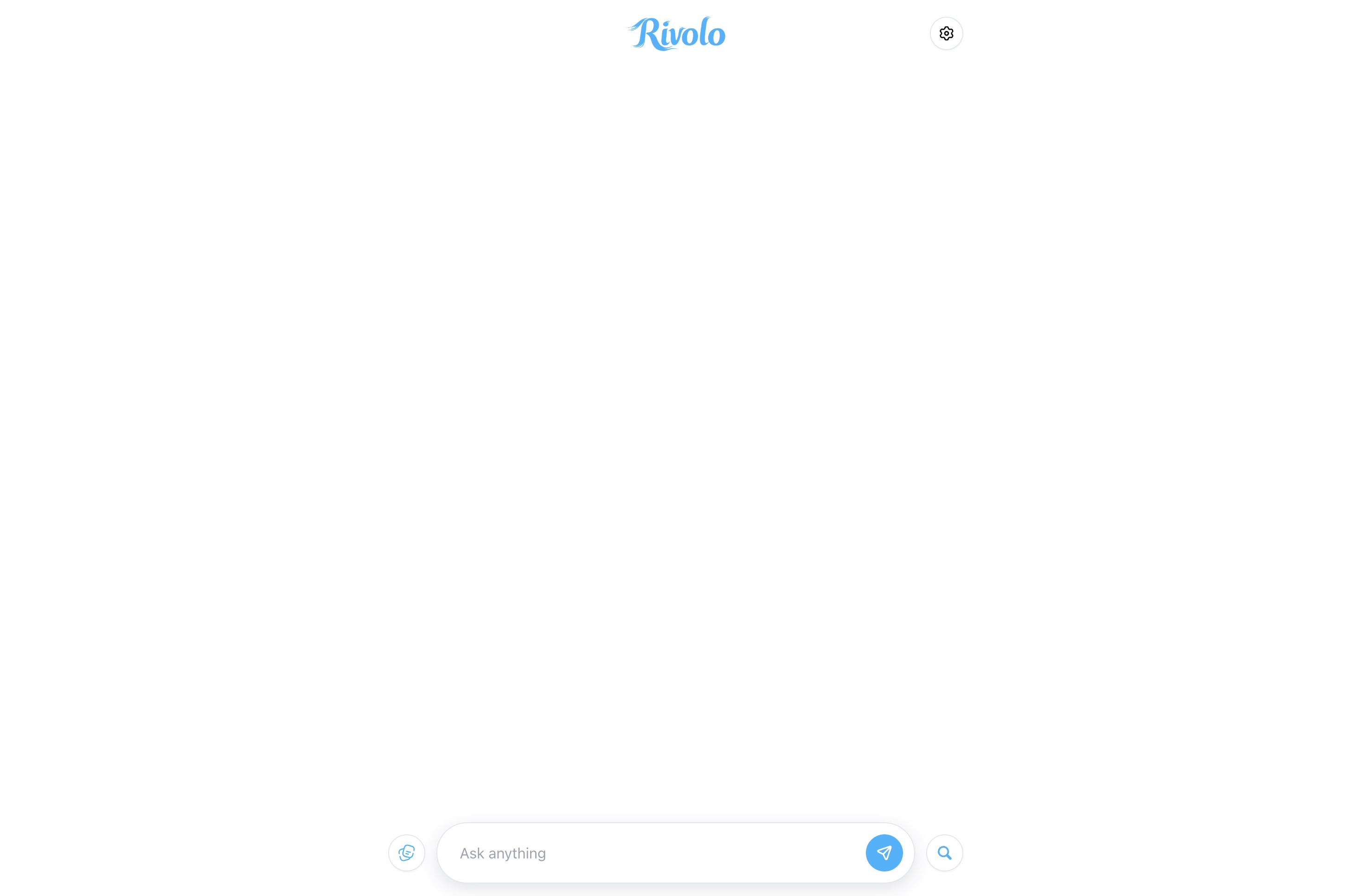
Then I kept working until the current state.1 It was particularly tricky to make it work decently on iOS Safari... it's still finicky. I'm also planning to add more LLM providers and GDrive sync.
Visuals
The logo was generated in four steps:
- First I went back to the chatgpt chat about the app' philosophy and decided the name. I had a few ideas in mind about water, rivers, the joining of little things, something simple, not too fancy, but not too materic, like "obsidian". I didn't want it to look like a notes app, but more like a First Name.
- Then I had it generate a logo. The best one was like the current one, but full of rivers joining together to form the text.
- Then I wanted to animate it, make for a splashscreen, I was not sure. I asked Veo2 for a video (with the rivers becoming the text), but the model did the opposite of what I wanted: the rivers disappeared and only a simple text remained. In fact, that was better than what I asked, because the logo you see now came from the end of that video!
- I wanted to use this simpler logo, so I extracted a frame from this video, gave it to chatgpt again, and asked to turn it into a transparent png. After about 10 tries, it produced a high resolution transparent logo. Not bad! Of course, it's not a vector image 🤷.
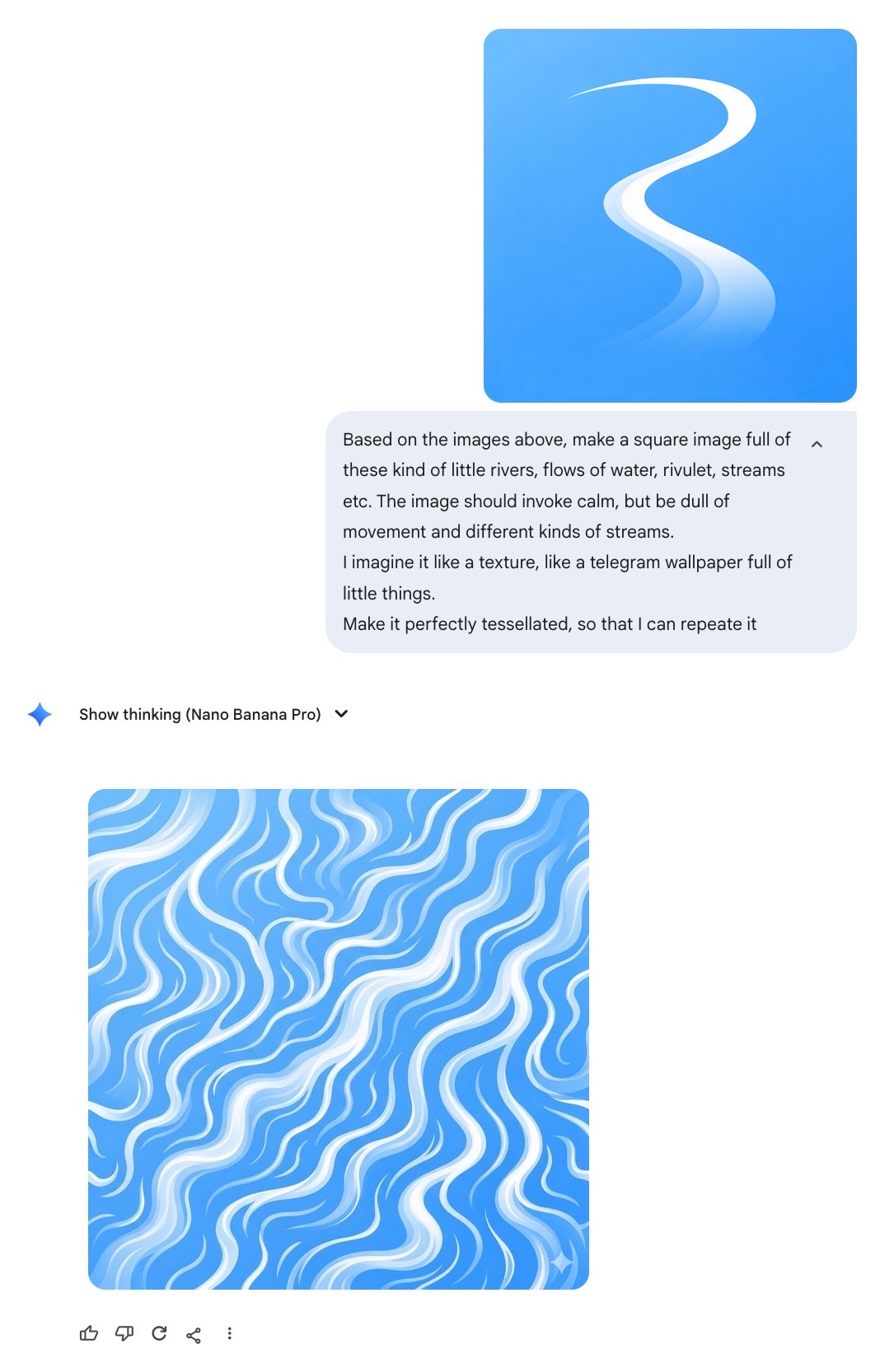
For the PWA icon I tried using the "R" of the logo, but I didn't like it, so I went back to the chatgpt chat and asked for a simple icon resembling a river and loosely an R. After a few iterations, I got something decent. I wanted an icon that was either consistent with the logo (eg. the same R) or clearly different from it. I think the result is good enough.
The background was generated similarly, this time with Nano Banana Pro, I started from the icon and asked the model to turn it into a background.2
Conclusions
Personal software is much cheaper now! Write your own app! The future in which we no longer write code seems close... Better to be prepared.